Back
VIDEO, AUDIO • Video And Podcast, Tech Tools
CapCut Editing Masterclass
Edit like a pro — no experience needed. This 21-part CapCut course shows your customers how to create stunning videos, improve audio, and use professional transitions to grow their brand online.
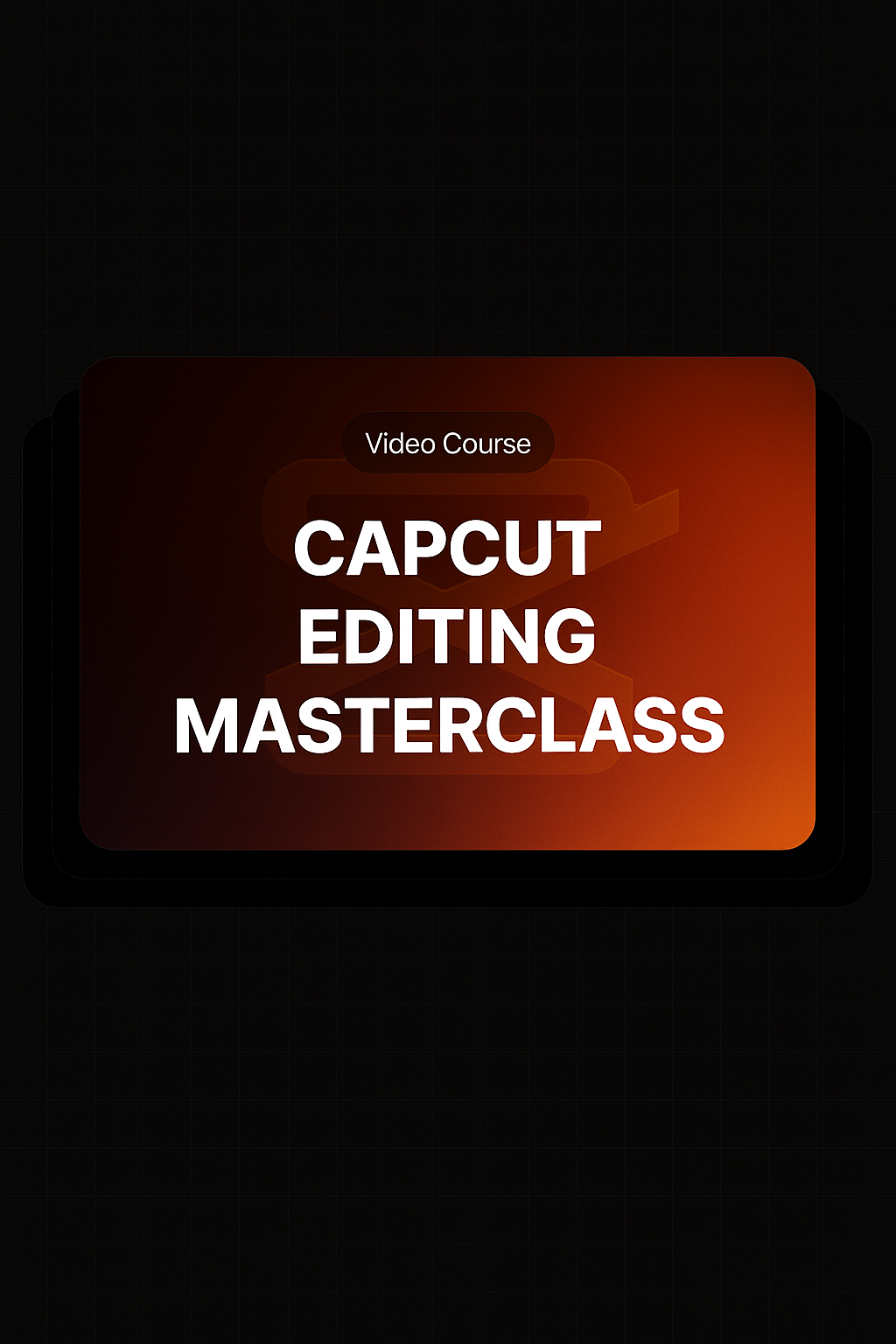
Edit like a pro — no experience needed. This 21-part CapCut course shows your customers how to create stunning videos, improve audio, and use professional transitions to grow their brand online.
What’s Inside
- Tutorials on batch editing images for quick and efficient workflows
- Step-by-step guidance on using AI-powered tools like image-to-image generators and portrait creators
- Detailed lessons on color correction, image styling, and video templates
- Comprehensive guides to CapCut’s video editor for creating captions, adding text, and exporting videos
- Instructions for integrating audio enhancements, applying voice filters, and adjusting audio speed and fit
- Tips for creating polished transitions and professional-quality edits
- Practical examples of using Eleven Labs and producing clean, accurate transcripts
What You’ll Learn
- How to use CapCut’s powerful tools to edit, style, and enhance videos with ease
- Techniques for improving video quality with AI-driven features like portrait generation and old photo restoration
- Strategies for adding professional elements like transitions, captions, and audio filters
- How to streamline video workflows for faster turnaround times
- Best practices for exporting videos and integrating with other tools for business success
Related Products


CapCut Editing Masterclass
VIDEO, AUDIO • Video And Podcast, Tech Tools